
Name-Based Case Searches
Free public access to New Mexico case information runs through New Mexico Case Lookup. The service spans appellate, District, Magistrate, Metropolitan, and Municipal courts. Expect summaries, not documents. When the case number is a mystery, a name search is the natural fallback. Spell the name exactly as the court would have recorded it. The official help instructions warn about this. One letter off, and a similar name may point to a stranger. That stranger is not the McKinley County case you want.
- Open Case Lookup and select the Name Search option.
- Enter the last name first, then the first name and middle name only when available. Keep the spelling exact.
- Use the court type and location choices to focus the query on the appropriate McKinley County court channel, then add a category or date range when it helps.
- Open only a result that matches the known case details, and compare its court, number, filed date, status, and available hearing information.
| Search field | Type | Required | Format or use |
|---|---|---|---|
| Last name | Text | Yes to begin a name search | Exact spelling matters; the legacy field permits up to 60 characters and may display entry in upper case. |
| First name | Text | No | Add it to reduce a broad last-name result; a shortened name is not necessarily the same spelling. |
| Middle name | Text | No | Use only if it is known and helps distinguish a matching case. |
| Court type and location | Dependent selections | No | District (D), Magistrate (M), Metropolitan (T), and Municipal (U) selections have location choices that depend on court type. |
| Case category | Two-character filter | No | Official help documents CR for criminal, TR for traffic, and CV for civil. |
| Date range | Date controls | No | Choose Filing Date or Hearing Date, then enter the From and To range. |
| Results per page | Selection | No | The legacy control offers 10 through 100 results per page, with 20 observed as its default. |
Exact Names for McKinley Case Searches
Common surnames make exactness matter even more. The official help offers a memorable example. Gregory and Greg count as different names in the system. To pull a broad statewide name list down to one McKinley County case, stack filters. Court type, location, category, and a date range all help. The public Case Lookup entry screen opens the statewide summary search.
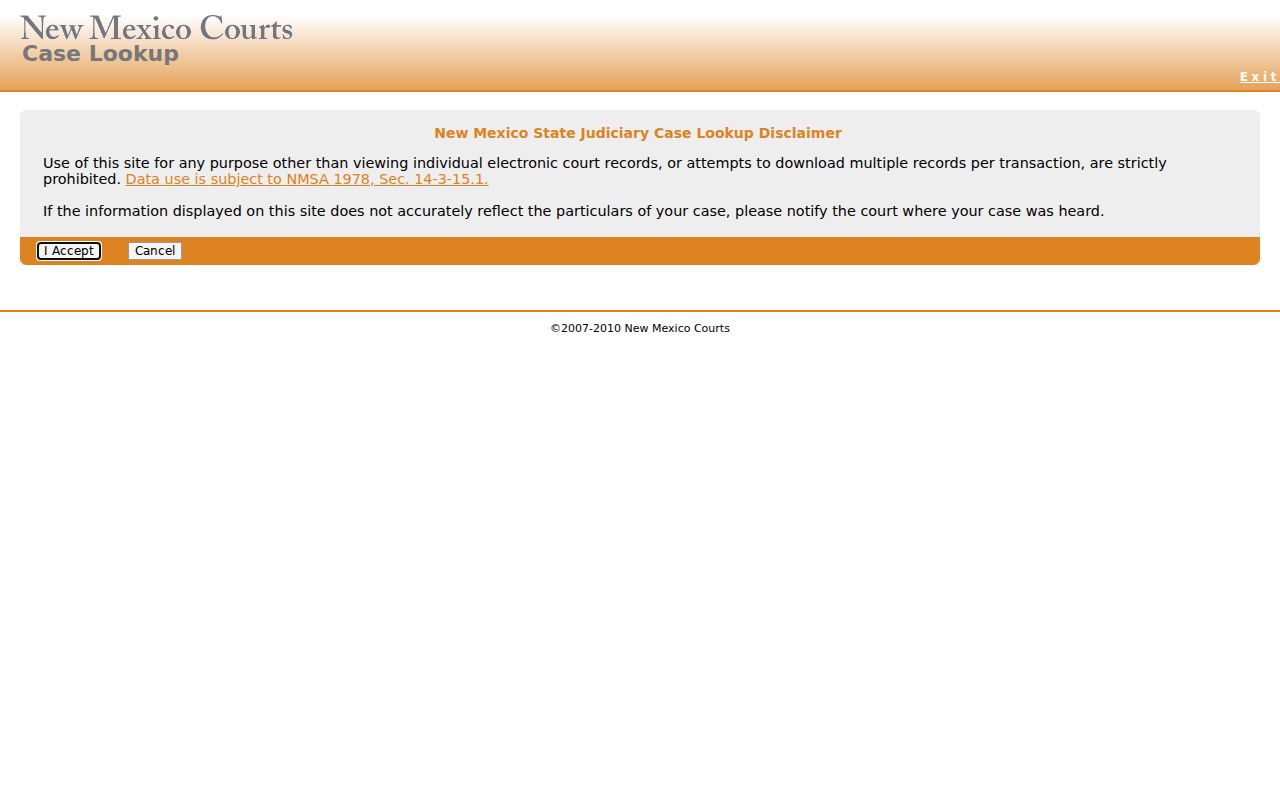
Case Lookup may ask for JavaScript or a CAPTCHA, so the official help pages stay handy for field-level instructions.
McKinley Docket Search Privacy Limits
Skip the temptation to widen a public court search with someone else's birth date or driver-license number. The legacy interface has those fields, yet they are rarely needed; a case number, exact name, court, category, or date range does the job. Rule 1-079 shields most driver-license and financial information, and it caps birth-date display in court records to the year alone.
Case Number Searches
Nothing beats a full case number for a precise McKinley County docket search. Copy it straight from a court notice or a filed document. Keep every letter and digit intact. If you only have part of the number, do not guess at a location code. The made-up pattern D-101-CR-200600001 illustrates the structure; it is not a McKinley case. Older filings, pre-2000, often pair a two-digit year with five digits. Newer ones typically carry a four-digit year plus five digits.
McKinley Case Number Format
District, Magistrate, Municipal, and Metropolitan case numbers share one pattern. It runs type, location code, category, year, then a sequential number. The opening elements flag the court layer and place, while year and sequence mark the exact filing.
- Type
- D means District and M means Magistrate in the official examples.
- Location
- Use the printed numeric code, up to four digits, rather than guessing a McKinley code.
- Category
- CR, TR, and CV are documented criminal, traffic, and civil codes.
- Year
- Older numbers may use two digits; later numbers commonly use four.
- Sequence
- The final number distinguishes filings in the same category and year.
New Mexico's public-access help provides the official format explanation.
The help resource shows how to read an identifier by segment.
Case Search Results Explained
A public result names the case and court, nothing more. Case Lookup may list a case number, status, parties or court metadata, plus whatever hearing information is available. But open or closed, on its own, does not tell you how each charge or issue resolved.
| Case number | The unique identifier used to search and route the matter to the correct court. |
|---|---|
| Location and court | The court location or layer that distinguishes similarly numbered matters. |
| Category and type | The broad class and court-specific type shown when available. |
| Filed date | When the matter entered the court system, not necessarily the next hearing. |
| Case status | An open, closed, unknown, or similar status, not a complete disposition. |
| Hearing information | Available scheduled event data that should be confirmed with the responsible court. |
McKinley Case Search Result Limits
Legacy results-per-page options run from 10 to 100, and 20 is the default. The legacy interface also carries a DWI Search link. Broad filters or a common surname can flood the first page, so narrow by court type, location, category, or date rather than scrolling forever. Municipal data stays thin statewide. For a Gallup Municipal matter, confirm details with its clerk or an eligible-records portal.
Two Ways to Search: County and State
No single county-government database holds every McKinley County court record. The statewide route is New Mexico Case Lookup. For local reach, go to the District, Magistrate, Municipal, or Probate clerk holding the case. Use the state search for the public summary. Then use the local office for gaps or older files.
| New Mexico Case Lookup | McKinley County court channel |
|---|---|
| Free summary search for appellate, District, Magistrate, Metropolitan, and Municipal case information. | The filing court's clerk keeps the local file and can confirm its records process. |
| Best for a number, exact name, court filter, category, or filing or hearing date range. | Best for an absent online record, court-specific question, or older physical file. |
| No underlying documents. | Documents, copies, and inspection remain subject to access rules and restrictions. |
McKinley Case Records Beyond Lookup
Case Lookup gives summaries and stops there; no underlying documents travel with it. New Mexico tracks chronological case activity in a register of actions, the term re:SearchNM uses in its print view for events and filings. That chronology can hold dates, descriptions, filing summaries, comments, document counts, security notes, and permitted document links. With a case number in hand, the McKinley County court case records route helps separate a free public summary from a formal inspection or copy request for the full record behind it.
McKinley re:SearchNM Case Access
re:SearchNM is a registered portal for McKinley County docket work. Free accounts unlock four search modes: Cases, Text in Documents, Hearings, and Filings. You can narrow results by location, case category, type, status, and filed date. Keyword and wildcard searching may be available, along with Boolean-style logic. Open a case and the details appear. They can show the case number, description, location, category, type, filed date, judge, interim conditions, and status.
What you can actually see varies. Document access hinges on your account role. It also depends on your relationship to the case, the jurisdiction, and factors like digitization, redaction, confidentiality, sealing, and security rules. Hearing records can list date, time, type, judge, location, and result. They may also note any cancellation or reschedule reason. Timing matters too. The portal's own guidance says Refresh Case usually updates Odyssey information in about ten minutes. Public Case Lookup may run about 24 hours behind.
The registered portal is the official source for the access screen that appears next.
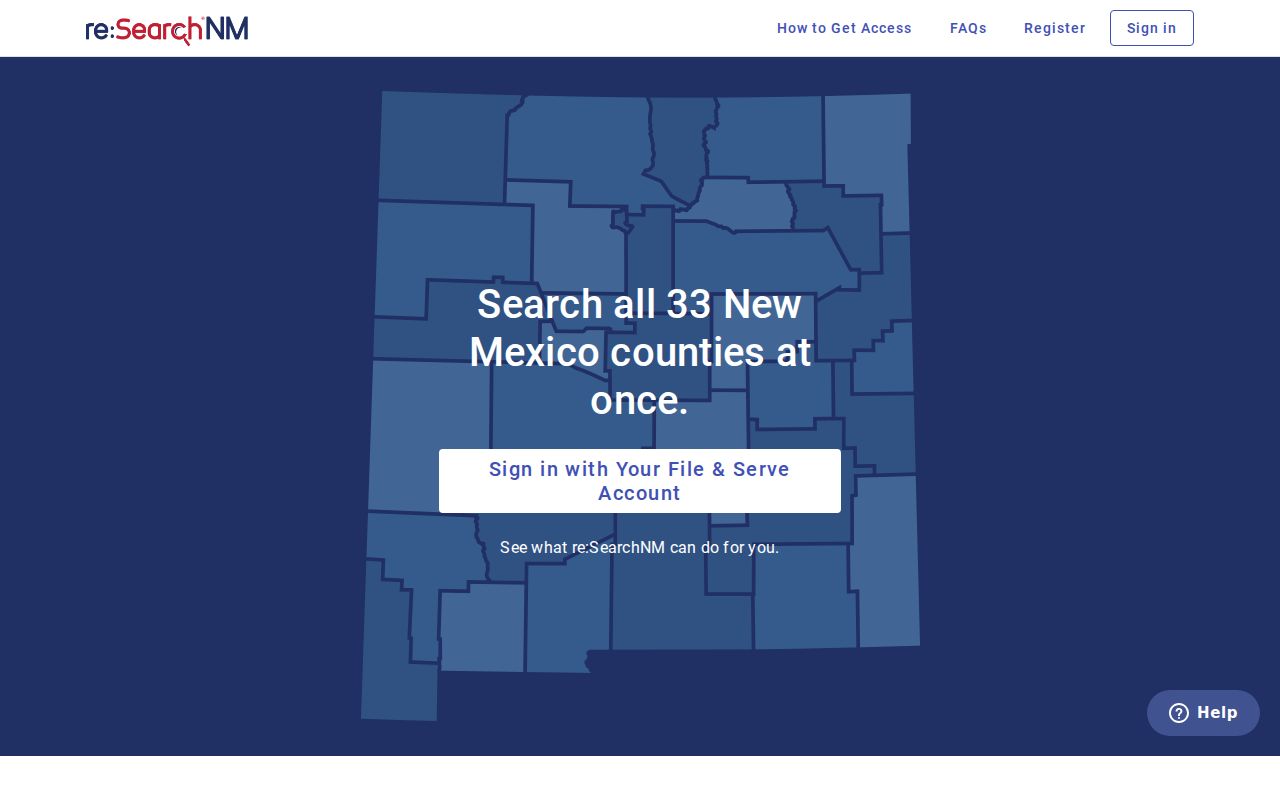
Registration widens the search model. It does not override the court's access rules, which still decide which events and documents appear.
Which Cases Stay Restricted
Rule 1-079 starts from openness. Court records are public in McKinley County. A rule, a statute, or a judge's order must say otherwise. Even so, not every field or filing shows up online. Some details get redacted. A gavel icon in the registered guide can flag restricted access on a docket entry.
Case Lookup leaves out two big categories. One is juvenile criminal information from July 1, 2007 forward. The other is order-of-protection cases under the Family Violence Protection Act from July 1, 2008 forward. For a specific question, the Rule 1-079 text and the responsible court give the controlling answer.
McKinley Restricted Case Visibility
A sealed case may simply not appear. Other times the docket shows a restricted indicator and nothing else. Sealing can also hit a single document. The rest of the case stays open. One blank page does not mean the whole file is closed. Adoption matters face extra limits. So do confidential family and juvenile issues, mental-health cases, and similar protected categories.
Remember what a blank result is not. It is not proof the case never existed, was dismissed, or was expunged. Ask the responsible court which access rule applies and who the custodian is.
McKinley Older Case Searches
Old cases are the weak spot of online court records. Public docket information before June 1997 can be incomplete. A missing result there means little. Contact the court that handled the matter. Ask about archival or physical files rather than assuming the case never existed. If a notice or a known case number shows the court type, start there.
The District, Magistrate, and Municipal clerks each keep their own records. Give the clerk the court, the case type, the date range, and any known number.
McKinley IPRA Case Requests
When the online search comes up empty, file a judicial IPRA request form. Pick McKinley and the court or department that holds the record. Describe what you want with reasonable particularity. Include the court, the record type, the time range, and any known case number. Also say whether you want to inspect it or get copies.
IPRA has limits. It does not override Rule 1-079. Nor does it override sealing orders, confidentiality rules, redaction, or another court's custody of the file. Under NMSA 14-2-8(D), you do not have to give a reason. Ask for a fee estimate first. Leave out sensitive identifiers the request does not need.
Note: A focused request sent to the right McKinley County court gets routed more reliably than a broad demand for every county record.